
Launching Q4 2026
HeartEye Support Centre
Find all answers on installing the device and getting ready for first usage. Still more questions? Feel free to reach out to us.


Launching Q4 2026
Find all answers on installing the device and getting ready for first usage. Still more questions? Feel free to reach out to us.
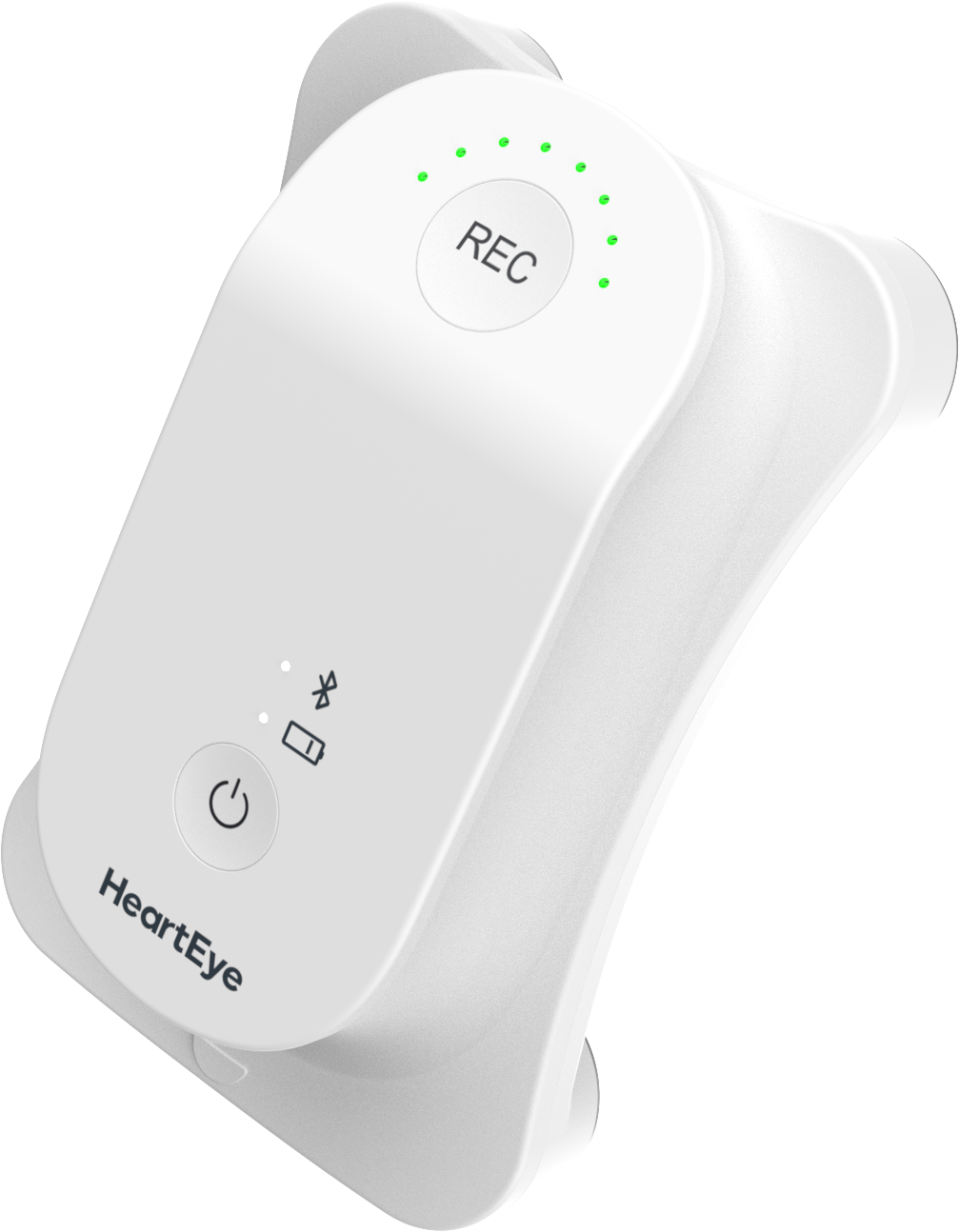
Unpack the HeartEye ECG R1 recorder and Docking station (charging before first use is advised)
Download the app on your smartphone
Ensure you read and understand the Instructions for Use (see below)
Acquire login credentials:
○ If you have an invite from HeartEye (email), follow the email’s instructions to assure login credentials
○ If you don’t have an invite from HeartEye, request this through support@hearteye.nl
Use your credentials to log into the app and enjoy using the app!
| Smartphone | OS version | Recorder | Instructions for Use |
|---|---|---|---|
| Android | 12+ (API level 31+) | HeartEye ECG R1 | A download link will be provided here after CE certification |
| iOS | 17+ |
Your smartphone should further support BLE 5.0 or higher
As electrode placement differs compared to a standard clinical 12-lead ECG, what differences in the electrophysiological signals should you take into account when reading a HeartEye ECG report?
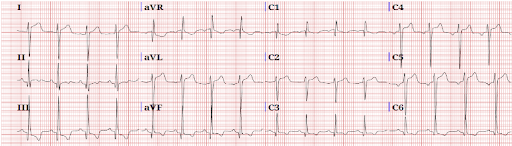
Through this link you can download the ECG Reading Guide directly.
If you have an invite from HeartEye (email), follow the email’s instructions to assure login credentials.
If you don’t have an invite from HeartEye, request this through support@hearteye.nl
In the HeartEye Cloud we have different views:
○ Creator view: overview of ECGs made by you
○ Assessor view: overview of assessments requested from you
○ When applicable, you can have both views available to you
This Privacy Statement explains how personal data is processed when you use the HeartEye app (the “App”) and the related cloud service (the “Service”).
You can find it here